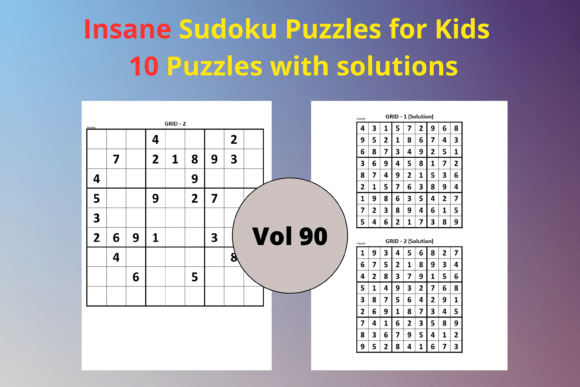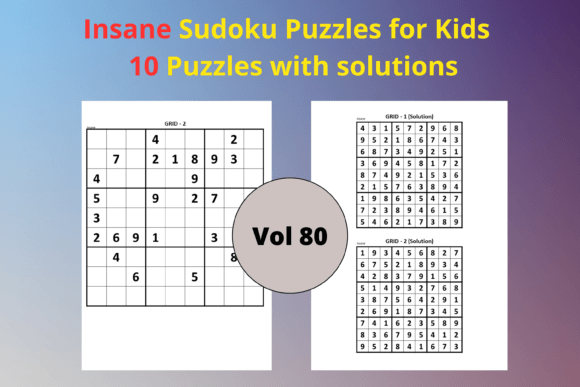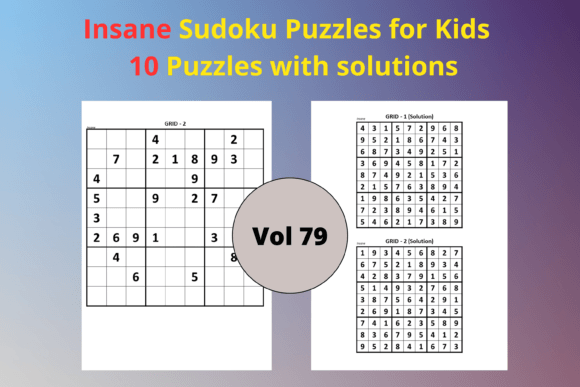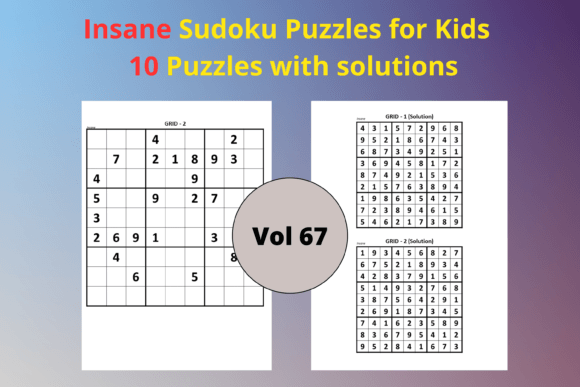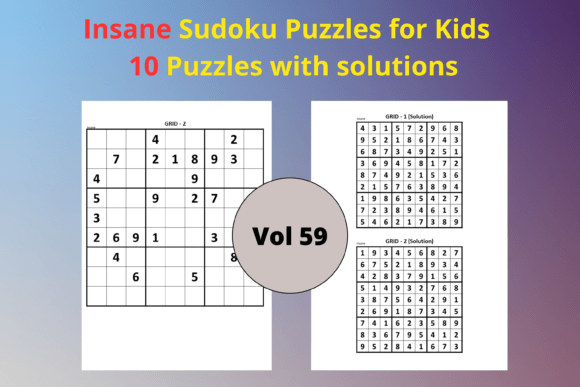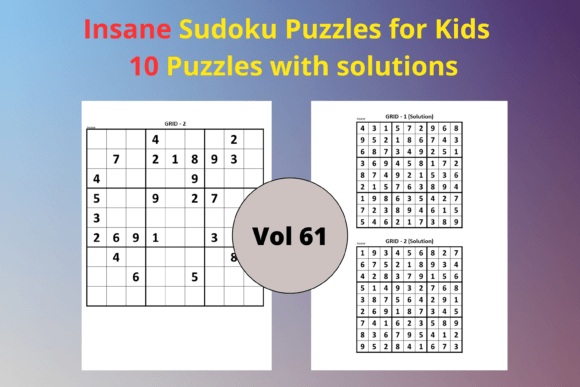
Easy Sudoku for Kids 61: A Ready-to-Use KDP Interior Puzzle Pack
Easy Sudoku for Kids 61 is a complete activity book interior designed specifically for children's puzzle content. The pack contains ten unique 9x9 Sudoku puzzles at an easy difficulty level, along with ten full-page solution grids. Everything arrives in a polished 8.5 x 11 inch format, with a PDF file ready for direct upload and an editable PPTX file for custom adjustments. For publishers, educators, and parents building educational resources, this bundle removes the repetitive layout work and lets you focus on packaging, branding, or lesson delivery.
Rather than building each puzzle grid by hand, you can drop this resource directly into your project timeline. The PDF supports immediate use for KDP print interiors, while the PPTX version gives you the flexibility to add instructions, borders, character art, or page numbers before export. This dual-format approach saves hours when you are assembling a low-content book, a classroom activity set, or a printable worksheets package.
How This Pack Fits into a Publishing or Content Creation Workflow
When you are planning a children’s Sudoku book, the interior file often becomes the bottleneck. You need consistent formatting, correct grid alignment, and solutions that match each puzzle precisely. Easy Sudoku for Kids 61 solves that early-stage friction by delivering a finished set of pages you can insert into your manuscript immediately. You can treat it as a pre-built module: drag the PDF into your document sequence, or open the PPTX and tweak fonts and margins to align with your brand.
In the pre-production phase, this pack allows you to test your book concept quickly. Upload one of the puzzle pages to Amazon KDP’s print previewer to check margins and bleed settings with real content, not placeholder text. During production, the editable file lets you add a title page, table of contents, or a “This Book Belongs To” section without disturbing the puzzle layout. After publishing, you might repurpose the same interiors for a second edition or a holiday-themed variation simply by editing the PPTX background.
Before the Project: Planning and Setup
Before you list a new activity book on KDP, you need to validate the interior and understand your target age group. Easy Sudoku for Kids 61 targets early learners who are comfortable with numbers but not yet ready for medium or hard puzzles. The easy difficulty ensures that solvers can complete puzzles without frustration, which is a key selling point for parents and teachers. Use the editable PPTX to add a sample page that explains the rules visually, or to insert a small reward section after each puzzle.
Set up a folder structure on your computer that separates the original PDF and PPTX from any working copies. This way you always have a clean master file to return to. The standard 8.5 x 11 inch size is compatible with KDP’s trim options for large print interiors, so confirm the trim size in your KDP project matches exactly and adjust the PPTX page dimensions if needed.
During the Project: Assembly and Customization
When you work with the PPTX file, you can combine these ten puzzles with other themed packs you might own, creating a larger compilation book of 60, 90, or 100 puzzles. Because the grids are placed consistently, the visual rhythm remains intact across different sources. You might group the puzzles by theme—add fun animal illustrations next to each grid—or change the accent colors for different difficulty levels. The editable format also lets you translate the instruction line into another language, opening up foreign market opportunities.
If you are creating a printable PDF for a membership site or an Etsy listing, the provided PDF gives you a flat, print-ready file. You can split the pages, insert them into a larger document, or use them as standalone handouts. The solution pages are already formatted as full-page grids, making them easy for kids to follow along. No extra formatting of answer keys is required.
After the Project: Review and Repurposing
Once your book is live or your printables are in use, the PPTX turns into an archive asset. You can revisit it later to create a “Summer Edition” or a “Christmas Sudoku” variant simply by swapping the background color and adding themed clip art. If you notice that customers request more puzzles of this exact difficulty, you can clone the file and extend it with additional grids you create or license, using the existing layout as your template. This modular reuse extends the value of your initial purchase well beyond a single product launch.
Practical Integration with Other Tools and Platforms
Easy Sudoku for Kids 61 works alongside common design and publishing tools without compatibility hurdles. The PDF opens in Adobe Acrobat, Apple Preview, or any modern browser, letting you inspect the grids instantly. The PPTX file is compatible with Microsoft PowerPoint, Google Slides, and Apple Keynote. You can upload the PPTX to Canva and continue editing there if you prefer a cloud-based workflow. This cross-tool flexibility means you are not locked into a particular software subscription.
For KDP publishers using Kindle Create or similar tools, you can insert the PDF pages directly if you are producing a print replica or print book. Alternatively, export the PPTX as a PDF after customization to generate your final interior. If you use Book Bolt or Publisher Rocket for niche research, you can pair this interior with targeted keywords around “easy sudoku for kids,” “beginner puzzle book,” or “children’s activity book” without spending time on layout work.
Educators can integrate the PDF into a learning management system like Google Classroom or Seesaw. Because the puzzles are clear and large, they display well on screens or printed handouts. You can assign one puzzle per day as a warm-up activity, building logical thinking skills over a two-week period.
Preparation and Setup Steps for a Seamless Process
Before you start editing, confirm that the PPTX uses fonts installed on your system, or embed any custom fonts you add. Standard fonts like Arial or Calibri keep the file lightweight and avoid rendering issues across different computers. Check the PDF’s resolution; it should be at least 300 DPI for print clarity. When you export from PPTX to PDF for KDP, ensure that images are not compressed below that threshold.
Organize your output by creating a dedicated project folder. Inside, keep three subfolders: one for the original files, one for working edits, and one for final exports. This structure prevents accidental overwrites. After customizing, run a quick quality check: print a few pages at actual size on your home printer to see how the grid lines look, and verify that the solutions match the puzzles correctly by solving a puzzle yourself.
If you plan to sell on KDP, open the KDP Cover Calculator and confirm that the interior page count matches the spine width for your chosen trim size. Since the pack includes ten puzzles and ten solutions, plus any pages you add for copyright, title, and instructions, your total page count will be easy to calculate.
Quality Control and Consistency Across Puzzles
Consistency is the backbone of a professional-looking puzzle book. Easy Sudoku for Kids 61 maintains uniform grid sizes, spacing, and number placement across all pages. The solution sheets use the same layout logic, so flipping between a puzzle and its answer feels intuitive for a young learner. Pencil marks and solving notations are unnecessary at this difficulty level, but the grids are spacious enough if a child wants to make small notes.
Before publishing, check that the page numbers, if you add them, do not overlap with the grid. The editable format lets you nudge the position of elements easily. Look for any unintended shifting of grids across pages by scrolling through in presentation mode. The dual-format pack already reduces layout errors, but your final review remains essential for a flawless customer experience.
Long-Term Use and Repurposing Ideas
Beyond the initial KDP book, this puzzle pack can support a variety of content streams. A parenting blogger can extract one puzzle per week and post it as a free printable, driving email signups. An Etsy seller can bundle the puzzles with other activity sheets to create a premium digital product. A classroom teacher can laminate the printed puzzles and use them in a math center with dry-erase markers. The PPTX makes it simple to add “Name:” and “Date:” fields for classroom use.
The easy level suits kindergarten and first-grade students, but also works as a confidence booster for older children who are new to Sudoku. You can adjust the presentation by adding a “Beginner Level” badge on each page. Over time, you might collect several similar packs to build a graded series: beginner, easy, medium, and hard, each with a consistent look. This gradual approach creates a product line that customers grow with.
Implementing Easy Sudoku for Kids 61 in Educational Settings
Teachers often need quick, no-prep activities that reinforce logical reasoning and executive function skills. These Sudoku puzzles require only a pencil and a flat surface. The large 8.5 x 11 format with one puzzle per page minimizes overwhelm and allows children to focus. You can integrate them during morning work, early finisher time, or as part of a math center rotation.
Homeschooling parents can pair the puzzles with a mini-lesson on pattern recognition. Before introducing Sudoku, discuss the goal of filling each row, column, and 3x3 block with numbers 1 through 9 exactly once. Use the first puzzle as a guided example, solving it together on a whiteboard. Then assign subsequent puzzles for independent practice. The full-size solution pages make self-checking easy, promoting independence.
For tutors or intervention specialists, these puzzles offer a low-stress way to work on sustained attention and step-by-step planning. The easy difficulty ensures that students experience success quickly, which builds motivation for more challenging puzzles later. Storing the PDF on a tablet or laptop gives you instant access to a fresh activity without photocopying.
Efficiency and Organization Tips for Large Projects
If you are assembling a 100-page activity book, combining multiple puzzle sets, naming conventions matter. Rename each PPTX file clearly, such as “EasySudoku_Set61_Puzzles.pptx,” to avoid confusion later. When compiling master PDF, use a PDF merge tool that preserves page order. Many free tools exist, and the process takes only a few minutes. Label solution pages consistently, perhaps with “Solution” and the corresponding puzzle number, so the answer key remains easy to navigate.
Keep a style guide document for your series: note the font names, sizes, and colors you used, along with the exact trim size. If you later buy another set of Sudoku interiors from a different creator, you can align them quickly by applying the same style guide to the new PPTX. This practice builds a unified brand across your entire catalog without requiring you to be a designer.
Why an Editable File Matters in Daily Practice
The editable PPTX transforms the pack from a static product into a flexible asset. You can add your website URL, a QR code, or a thank-you note for buyers. You can insert “Helper Hints” for each puzzle, like highlighting the number that appears most frequently. You can also adapt the puzzles for different languages—replacing the word “Solution” with “Lösung” for a German market, for example. This small effort drastically widens your audience without recreating the puzzles from scratch.
If you notice that a quarter of your customers are from a particular region, quickly localize the instructions and release a version tailored to them. The ability to make these tweaks in minutes, not hours, keeps your business agile. The PDF version always stands ready as your unmodified, verified master, so experimentation involves zero risk to the original content.
Getting the Most Out of the 8.5 x 11 Inch Format
The letter-size format offers generous space around the grid. Use that space wisely. Add a “Skills Focus” box that lists the cognitive benefits: logical thinking, pattern recognition, and persistence. For a classroom version, include a small progress tracker at the bottom where kids can color a star each time they complete a puzzle. For a KDP book, the extra space can hold a border design or a motivational quote, adding perceived value without cluttering the puzzle.
When printing, ensure your printer settings match the 8.5 x 11 size and select “Actual Size” rather than “Fit to Page” to preserve grid proportions. The grid lines should remain crisp, so use a printer with good resolution. A quick test print on standard paper before ordering an author proof on KDP saves money and reveals any alignment issues early.
Building a Workflow That Scales
Many low-content publishers start with one book and then scale to dozens. Easy Sudoku for Kids 61 supports that scalability. Since the puzzles are ready and tested, you can create a new themed version every season—fall, winter, spring, summer—merely by switching out decorative elements in the PPTX. Assign a unique interior code to each version (like “KidsSudoku61_Fall”) in your file system so you can retrieve last year’s autumn design and refresh it quickly.
If you hire a virtual assistant to help with formatting, the PPTX file’s familiarity with office software reduces training time. You can provide a short video showing exactly how to export to PDF, set compression options, and check grids. The consistent layout means fewer errors and a smoother collaboration, whether you work solo or with a team.
For marketers using Amazon Advertising or social media to promote the book, the solution pages serve as excellent content for a “Look Inside” preview. Potential buyers often want to see that the answers are easy to follow. Including a clear solution page in your product images builds trust and reduces returns. You can screenshot a solution page from the PDF, add a gentle watermark, and use it in your listing graphics—keeping the puzzle itself hidden to encourage purchase.
Ultimately, Easy Sudoku for Kids 61 slots into your creative and business processes as a time-saving, high-quality puzzle interior. Whether you publish on KDP, sell on Etsy, run a classroom, or support a child’s learning at home, the blend of ready-to-upload PDF and fully editable PPTX gives you control over the final product while eliminating the most tedious parts of puzzle creation.