Easy Sudoku for Kids 90: A Ready-to-Use Puzzle Pack That Fits Your Workflow
For publishers, educators, and content creators building activity books for children, finding a reliable, formatted interior can be one of the most time-consuming parts of the process. Easy Sudoku for Kids 90 is a practical resource designed to remove that bottleneck. It delivers 10 easy-level 9x9 Sudoku puzzles plus matching solutions, all prepped in a print-ready PDF and an editable PPTX file. The page size is 8.5 x 11 inches, fitting standard trade paperback layouts for Kindle Direct Publishing and other print-on-demand platforms. Instead of spending hours aligning grids, checking solution accuracy, and setting margins, you receive a clean, consistent interior that you can upload immediately or customize to match your brand.
What’s Inside the Easy Sudoku for Kids 90 Pack
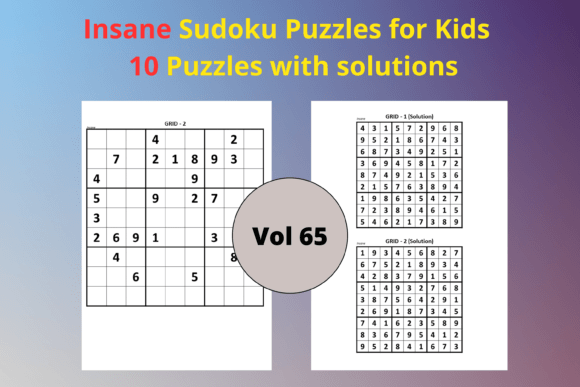
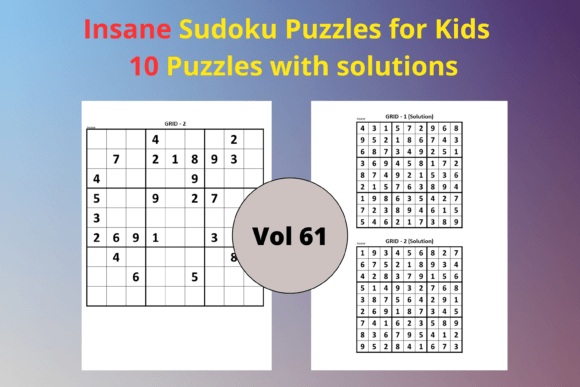
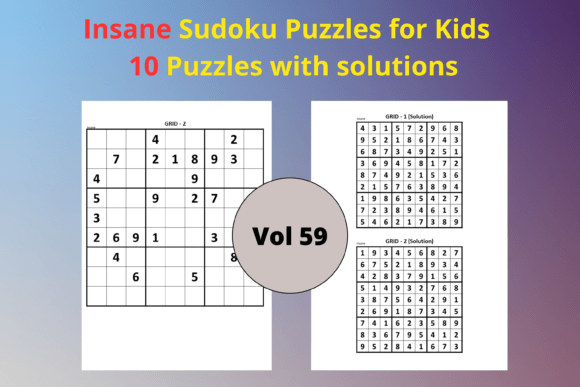
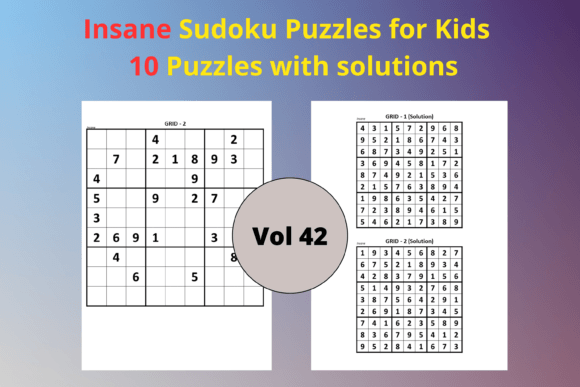
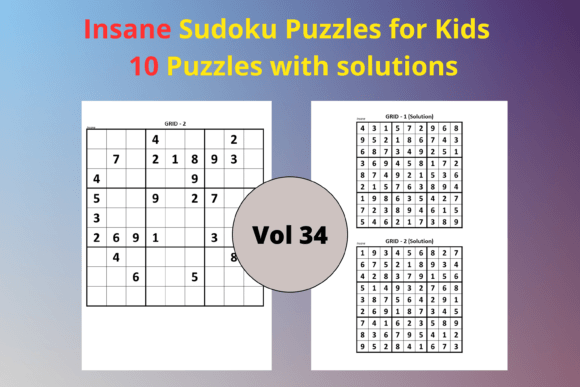
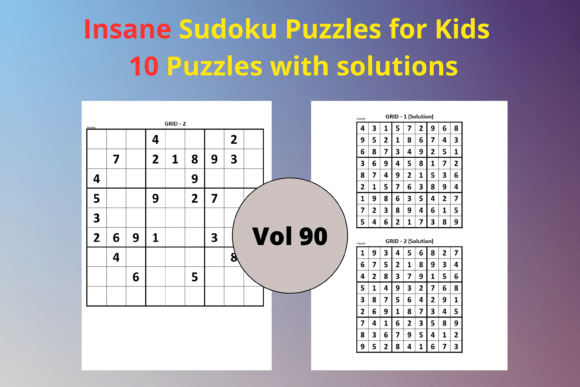
The download includes 10 unique Sudoku puzzles and 10 solution pages. Each puzzle is a classic 9x9 grid graded as easy, which makes it appropriate for children who are just starting to explore number logic games — usually around ages 6 to 9. The layout avoids clutter: numbers are printed clearly, and cells are large enough for small handwriting. The dual-format delivery gives you both speed and flexibility. The PDF file is already optimized for direct upload to KDP, while the PPTX file is fully editable. You can open the PowerPoint version in Microsoft PowerPoint, Google Slides, or any compatible software, then change fonts, colors, add instructions, or insert your copyright page.
Where Pre-Made Interiors Fit Into Your Publishing Workflow
If you publish low-content books regularly, you know that the idea itself is rarely the holdup. The real drag is the repetitive layout work: setting up a Sudoku grid, duplicating it across pages, creating mirror solution pages, and checking that nothing shifts during export. Easy Sudoku for Kids 90 eliminates that phase. You can drop the PDF straight into your KDP setup, wrap it with a cover, and have a new title ready for market in an afternoon. This acceleration matters when you are juggling multiple releases, running a seasonal content calendar, or testing different niches. It also reduces formatting errors that lead to negative reviews — misaligned grids, missing solutions, or pages that cut off in print.
Using the Pack Before, During, and After a Project
The value of this pack isn't limited to a single publishing sprint. Before you start building your book, study the puzzle difficulty to confirm it matches your target age group. If your audience skews younger, you might add a short "How to Play" page using the PPTX file. During production, the PDF becomes your final print file, while the editable version lets you rearrange puzzle order or add blank pages for notes. After you publish the paperback, you can repurpose the same puzzles for a digital download product, a classroom worksheet bundle, or even a lead magnet on your website. Because the PPTX is editable, you can extract a single puzzle to create a mini-challenge for social media or an email newsletter. This kind of multi-platform use stretches a modest interior pack into a long-term content asset.
Customizing the Editable PPTX for Brand Consistency
Consistency across activity books builds buyer trust. When someone recognizes your style — a particular font, a color accent on the header, a consistent copyright footer — they are more likely to purchase future titles. The PPTX file lets you apply your branding without starting from a blank canvas. Open it in your preferred presentation tool, then swap the default font for something kid-friendly like a rounded sans-serif if your brand leans playful, or keep it clean and monochrome for a modern workbook feel. You can add a “This Book Belongs To” page at the front, insert a brief instructions slide, or include a QR code that links to your website. Because each puzzle and solution sits on its own slide, rearranging content or deleting pages is straightforward. If you need to deliver the final print file as a PDF, simply export from PowerPoint and double-check the output for any pagination shifts.
Preparing the PDF for a Smooth KDP Upload
The PDF included in Easy Sudoku for Kids 90 is designed with KDP’s requirements in mind. It uses a clean white background with no bleed elements on interior pages, which suits standard black-and-white puzzle books. Before you upload, open the file in a PDF viewer and scroll through every page to verify that grid lines, numbers, and solution digits appear crisp. This is especially important if you plan to offer the book as a paperback and Kindle edition simultaneously. KDP’s print preview tool gives you a reliable representation of the final product, but a manual check on your own screen catches subtle issues like a slightly shifted row. If you want to pad the book to reach a higher page count, you can insert a few blank note pages or a simple “More Puzzles” link page using a free PDF editor. The key is that the core puzzle layout is already production-ready; you are only making small additions, not reconstructing the wheel.
Using Sudoku Puzzles in a Kids’ Learning Environment
Beyond publishing, this pack serves educators and homeschooling parents well. Easy Sudoku helps young learners strengthen logical reasoning, pattern recognition, and number confidence without the frustration that harder puzzles can cause. A set of 10 puzzles is a manageable volume for weekly math centers, morning work, or a take-home enrichment packet. Print the PDF pages directly, or use the editable PPTX to remove the solution pages and create a student workbook where kids fill in the grids themselves. Laminating a few puzzles and providing dry-erase markers turns them into reusable station activities. Because the difficulty level stays consistent, you avoid the common problem of mixed difficulty in the same session, which can leave some children bored and others overwhelmed.
Quality Control and Consistency Across Every Puzzle
One advantage of a professionally assembled interior is that the puzzle integrity is already validated. Each of the 10 Sudoku puzzles in this pack has a single logical solution, and the solution grids are clearly laid out for quick verification. Before your book goes live or your worksheet bundle is distributed, run a manual check on one or two puzzles by solving them in the printed version or on screen. Confirm that no numbers are obscured by thick print lines and that the grid remains intact after any font changes in the PPTX. If you move the file between different software, be aware of font substitutions; converting text to outlines or embedding the font can prevent shifting. Consistent quality across all puzzles keeps your product reviews strong and your classroom activities frustration‑free.
Repurposing the Content Across Multiple Channels
The licensing model of a KDP interior pack typically allows you to use the content in multiple end products. You can turn the same 10 puzzles into a printable PDF sold on Etsy, a spiral-bound workbook for craft fairs, or a series of daily puzzle posts on your blog or Instagram. The PPTX makes extraction simple: select a slide, export it as a PNG or JPG, and you have a clean puzzle image for social media. Over time, you can combine Easy Sudoku for Kids 90 with other difficulty levels — medium and hard packs — to create a graded puzzle series. This modular approach keeps your product line fresh without requiring you to design every grid from scratch. For teachers, a folder of ready-to-print Sudoku sheets becomes a go-to resource for early finishers, substitute plans, or brain breaks.
Long-Term Use and Scaling a Puzzle-Based Business
If you plan to release multiple activity books, treat this pack as a foundational building block. Archive the original PPTX and PDF in a well-organized folder structure, perhaps labeled by difficulty, trim size, or theme. When you are ready to launch a thicker book, you can merge this 10‑puzzle set with another pack to reach 50 or 100 puzzles by simply combining slides. The editable file also doubles as a reusable template: replace the given numbers with new combinations while keeping the grid and layout intact. This dramatically shortens production time for follow‑up books and helps maintain visual consistency across your entire catalog. For educators, a master folder of ready‑printed Sudoku sheets means you always have a skill‑building activity at hand without last‑minute searching.
Practical Tips for Organizing Your Sudoku Project
A small amount of upfront organization makes a big difference when you juggle multiple interior files. Start by defining your final product: a thin 20‑page booklet, a robust 100‑page puzzle book, or a digital download. This decision determines how many copies of the pack you need to process. Use a clear naming convention like EasySudoku_Kids_v1_Print.pdf and EasySudoku_Kids_v1_Editable.pptx to avoid confusion between drafts. When you edit the PPTX, save a new version and keep the original untouched — you may need a fresh copy later for a different project. Before publishing on KDP, open the final PDF on a tablet or use KDP’s online previewer to see exactly how the reader will experience the book. If you notice any cramped margins or faint grid lines, correct them in the PPTX master and re‑export. Finally, consider bundling the finished interior with a simple cover designed in Canva or Photoshop; you can have a complete, professional-looking puzzle book ready to upload in less than a day.
Easy Sudoku for Kids 90 isn’t just a collection of puzzles — it’s a workflow shortcut that serves publishers, teachers, and creative entrepreneurs alike. By delivering both a ready‑to‑upload PDF and an editable PPTX, it hands you immediate turnaround and long‑term adaptability. Whether you drop it straight into a KDP shell, customize every slide for a branded series, or print it for a classroom, the pack fits into your existing process without extra friction. When you treat ready‑made interiors as flexible assets rather than one‑time purchases, you build a more efficient, consistent, and profitable content creation engine.