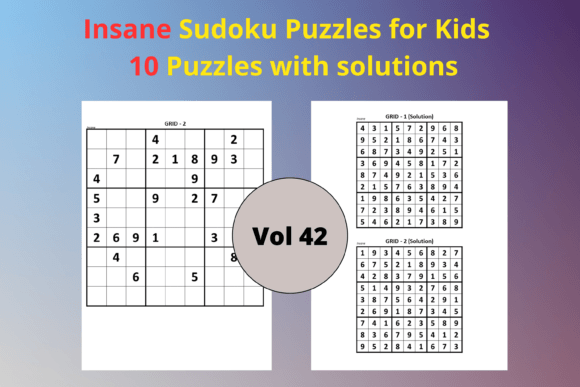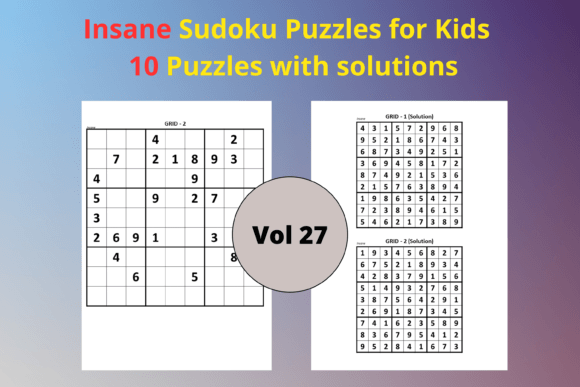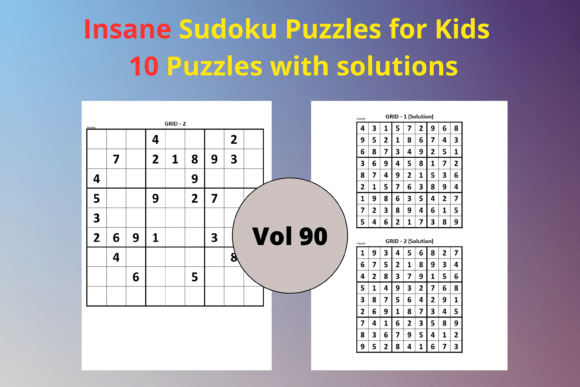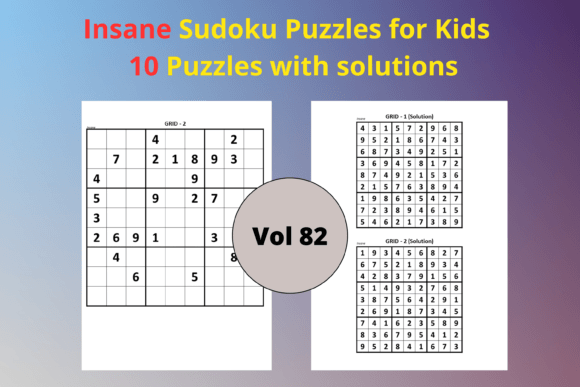
Easy Sudoku for Kids 63: Your Ready-to-Use Activity Book Interior
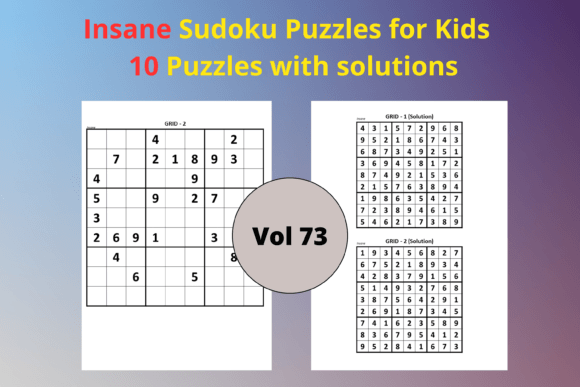
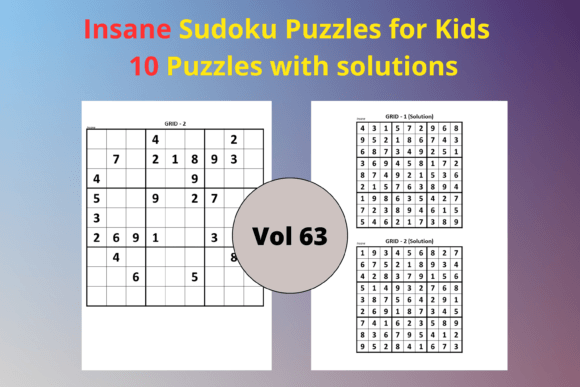
When you're building a children's activity book for Amazon KDP, the interior content can make or break the entire project. You need puzzles that are age-appropriate, consistently formatted, and free of errors. Easy Sudoku for Kids 63 is a practical resource created exactly for that purpose. It gives you 10 clean, 9x9 Sudoku puzzles at an easy difficulty level, along with matching solution pages, all pre-sized to 8.5 x 11 inches. The pack includes both a print-ready PDF and an editable PPTX file, so you can either upload it as-is or tweak it to match your brand. This isn't a generic download; it's a structured interior that fits directly into a low-content publishing workflow.
Many KDP publishers, educators, and freelance creators use puzzle interiors like this to speed up production, maintain a professional look, and launch new titles without starting from scratch. Whether you're putting together a standalone Sudoku book for kids, adding a puzzle section to a larger activity collection, or creating printable worksheets for a classroom, Easy Sudoku for Kids 63 removes the repetitive design work. You get to focus on listing optimization, cover design, and market research—the activities that actually drive sales.
What’s Included in the Easy Sudoku for Kids 63 Pack
Before integrating any asset into your process, it helps to understand exactly what you're working with. This pack is stripped of unnecessary fluff and delivers the core components every puzzle book creator needs:
- 10 Easy Sudoku Puzzles: Each puzzle sits on its own page, using a standard 9x9 grid. The easy difficulty ensures young solvers, typically ages 6–10, can complete them with confidence.
- 10 Solution Pages: Answers are displayed in matching 9x9 grids, placed immediately after or at the end of the puzzle section depending on how you organize your file.
- PDF File (Ready to Upload): The PDF follows KDP’s trim size requirements for 8.5 x 11 inches. Margins, font sizes, and grid lines are already set. You can run it through Kindle Create or upload directly to your KDP dashboard.
- PPTX File (Fully Editable): The PowerPoint source file lets you change fonts, add borders, insert page numbers, include a copyright page, or layer your own branding. You maintain full creative control while preserving the puzzle accuracy.
- Consistent Interior Design: Grid alignment, number placement, and solution formatting remain uniform across all pages. This consistency matters when customers flip through the “Look Inside” preview.
All files are sized for 8.5 x 11 inches, the standard letter dimension that works for most home printers and KDP’s paperback formatting. Because the pack includes both a fixed PDF and an open PPTX, you can choose the path that matches your skill level and time constraints.
Where Easy Sudoku for Kids 63 Fits in Your Publishing Workflow
Creating a low-content book often follows a predictable sequence: market research, interior preparation, cover design, upload, and promotion. Easy Sudoku for Kids 63 slots directly into the interior preparation stage, but its value touches surrounding steps too.
During the research phase, you might identify a niche for “beginner Sudoku for ages 5–7” or “first Sudoku book with large print.” Knowing you have a ready-made interior that matches that brief lets you validate ideas faster. Instead of mocking up sample puzzles to test a concept, you can use the actual pages from the pack to gauge whether the difficulty level and layout feel right.
Once you commit to a project, the interior becomes a fixed asset. You aren’t designing puzzles from scratch, checking for duplicates, or worrying about solution accuracy. Those quality-control tasks are already handled. Your energy shifts to adjusting the PPTX for any custom touches—a title page, a brief instructions box, or a fun illustration on each spread—and then exporting a print-ready PDF. For many publishers, the entire interior customization takes under an hour.
After the book goes live, the same pack can be reused. You can create a second volume by rearranging the puzzles, adding new cover art, and slightly modifying the interior with the PPTX file. This speeds up series creation, which is one of the most reliable ways to build a catalog and increase per-customer revenue on KDP.
Practical Ways to Customize the PPTX for a Polished Result
The editable PPTX file is where you make the interior feel like your own. Even small changes can improve the buyer’s perception of quality. Here are several practical customizations that have proved effective for experienced publishers:
- Add a Title Page and Copyright Notice: Insert a simple slide at the beginning with the book title and a copyright statement. This signals to customers that the book is professionally produced.
- Include Solving Instructions: A single page explaining how Sudoku works, using child-friendly language, helps parents and teachers feel confident in the purchase. Keep it brief—one short paragraph and a small example grid.
- Number the Puzzles and Solutions: While the puzzles are already organized, adding a “Puzzle 1” label or a page number makes navigation intuitive. It also allows you to create an answer key page that lists which solution corresponds to which puzzle.
- Adjust Fonts and Spacing: The PPTX file gives you full control over typography. You might switch to a rounded, kid-friendly font for headers, or increase line spacing if your target age group skews younger.
- Layer Themed Graphics: If your book has a dinosaur, outer space, or animal theme, you can drop small illustrations into the margins, header, or footer. Make sure any graphics don’t interfere with the grid lines or numbers.
Because the PPTX is fully editable, you can also extract puzzles to use in other projects. For example, you might take three puzzles for a free lead magnet, embed one puzzle into a larger workbook, or combine puzzles from multiple packs to create a bumper edition. The important thing is that the underlying puzzle integrity remains intact, so you’re never starting from an uncertain source.
Ensuring Quality Control Before Upload
Even with a professionally crafted pack, a final review keeps your KDP account healthy. Buyers expect error-free interiors, and negative reviews from a misplaced number can sting. Run through these checks before hitting publish:
- Test Every Puzzle: Quickly solve all 10 puzzles yourself or have a family member try them. This confirms the solutions match and no numbers are missing or duplicated in the grid. The pack already includes verified solutions, but a manual spot-check adds a layer of certainty.
- Verify PDF Margins: Open the PDF in Adobe Acrobat and check that no content falls outside KDP’s safe zone. The 8.5 x 11 inch interior is standard, but if you’ve added elements close to the edge, make sure they won’t get trimmed.
- Review the “Look Inside” Preview: After uploading to KDP, use the online previewer to flip through the first several pages. Confirm that text is readable, grid lines are crisp, and nothing appears skewed. If you notice any issues, you can go back to the PPTX and re-export.
- Print a Physical Proof: Order a single proof copy before making the book live. Sudoku books are tactile—seeing the grid on paper reveals whether the size feels right for small hands. This step is especially useful if you plan to run Amazon ads or target gift buyers.
Because Easy Sudoku for Kids 63 provides both the puzzle and solution sets, you avoid the time-consuming task of cross-referencing answers. The solutions are presented in the same 9x9 format, which maintains visual consistency. This uniformity helps children check their own work, a feature parents appreciate.
Using the Pack Beyond a Single KDP Title
The true usefulness of an editable interior pack extends past one upload. Consider these integration points across different workflows:
- Classroom Printables: Teachers and tutors can print individual puzzles from the PDF for morning work, math centers, or early finisher activities. Since the files are sized for letter paper, printing is straightforward.
- Activity Book Bundles: If you sell a multi-book bundle on KDP or Etsy, you can pull puzzles from this pack to combine with word searches, mazes, or coloring pages. The PPTX format makes extraction simple.
- Free Content for Email Lists: Offer a single puzzle page as a free download to grow your subscriber list. This low-friction giveaway attracts parents and teachers who might later purchase your full books.
- Seasonal Editions: Using the editable file, quickly create a “Summer Sudoku” or “Christmas Sudoku” version by adjusting the cover and adding themed clip art to the interior. This helps you capitalize on seasonal shopping trends without redoing the puzzle work.
Long-term, building a library of ready-to-use interiors like Easy Sudoku for Kids 63 means you can launch new titles on a reliable schedule. You reduce the creative bottleneck and turn publishing into a repeatable process. Many successful KDP creators maintain a master folder of tested puzzle packs, organized by difficulty and age range, then mix and match as market demand shifts.
Pairing Easy Sudoku for Kids 63 with Other Tools and Assets
This pack doesn’t exist in isolation. It interacts smoothly with commonly used publishing and design tools. Here’s how a typical publisher might think about compatibility:
- PowerPoint / Google Slides: Open the PPTX in either application for editing. Google Slides is free and browser-based, making it accessible even if you don’t own Microsoft Office. You can then download as PDF when ready.
- Canva: Import the PPTX into Canva to access a wider library of fonts and graphics. Canva’s export options include print-ready PDFs with bleed, which meets KDP requirements.
- Adobe InDesign: If you prefer professional layout software, place the PDF pages into an InDesign document and add your own master page elements. This is overkill for many, but it’s an option if you’re combining multiple puzzle types.
- KDP Cover Calculator: The interior template is 8.5 x 11 inches with a fixed page count. Use Amazon’s cover calculator to generate a correctly sized cover file that matches the spine width. A consistent interior and cover fit prevents returns due to formatting issues.
When you treat Easy Sudoku for Kids 63 as a reliable component in your content ecosystem, you spend less time troubleshooting layout problems and more time on marketing, niche selection, and customer engagement. The pack is designed to be a “drop-in” solution, meaning the core puzzle work is finished—you only handle the final polish.
Organizing Your Project Files for Efficiency
Over time, you may accumulate dozens of puzzle interiors. A simple folder structure keeps everything findable and reduces the risk of accidentally shipping an unedited file. A practical structure might look like this:
- Main Folder: KDP Interiors
- Subfolder: Sudoku_For_Kids
- Easy_Sudoku_Kids_63
- Original_Pack (store the untouched download here)
- Working_Files (your edited PPTX)
- Final_PDFs (print-ready exports)
- Other puzzle packs…
- Easy_Sudoku_Kids_63
- Subfolder: Sudoku_For_Kids
Keeping the original pack intact in its own folder means you can always revert or reuse it for new projects without hunting through old email downloads. When you’re ready to create a sequel, just duplicate the working folder and swap in a new cover theme. This quiet organizational habit saves hours over a publishing season.
Easy Sudoku for Kids 63 aligns with the way real low-content publishers operate: reusable assets, quick customization, and a sharp focus on the buyer’s experience. The pack’s 10 puzzles and solutions are enough to build a complete paperback, but they’re also a seed for larger products, seasonal spins, or cross-platform printables. By plugging this interior into your existing workflow—whether you’re a seasoned KDP seller, a teacher making resources, or a blogger creating freebies—you cut out the tedious design grind and keep your output consistent and professional.